Capture iOS Call Logs with Apple Shortcuts
Apple restricts direct call log access. Learn how to build a local Siri Shortcut to capture phone numbers and trigger calendar events.
Apple's sandbox security prevents apps from reading call logs locally. Explore the best manual shortcuts, local utilities, and cloud-bridge gateways to capture client phone numbers and book events efficiently.
Explore iOS Setup Options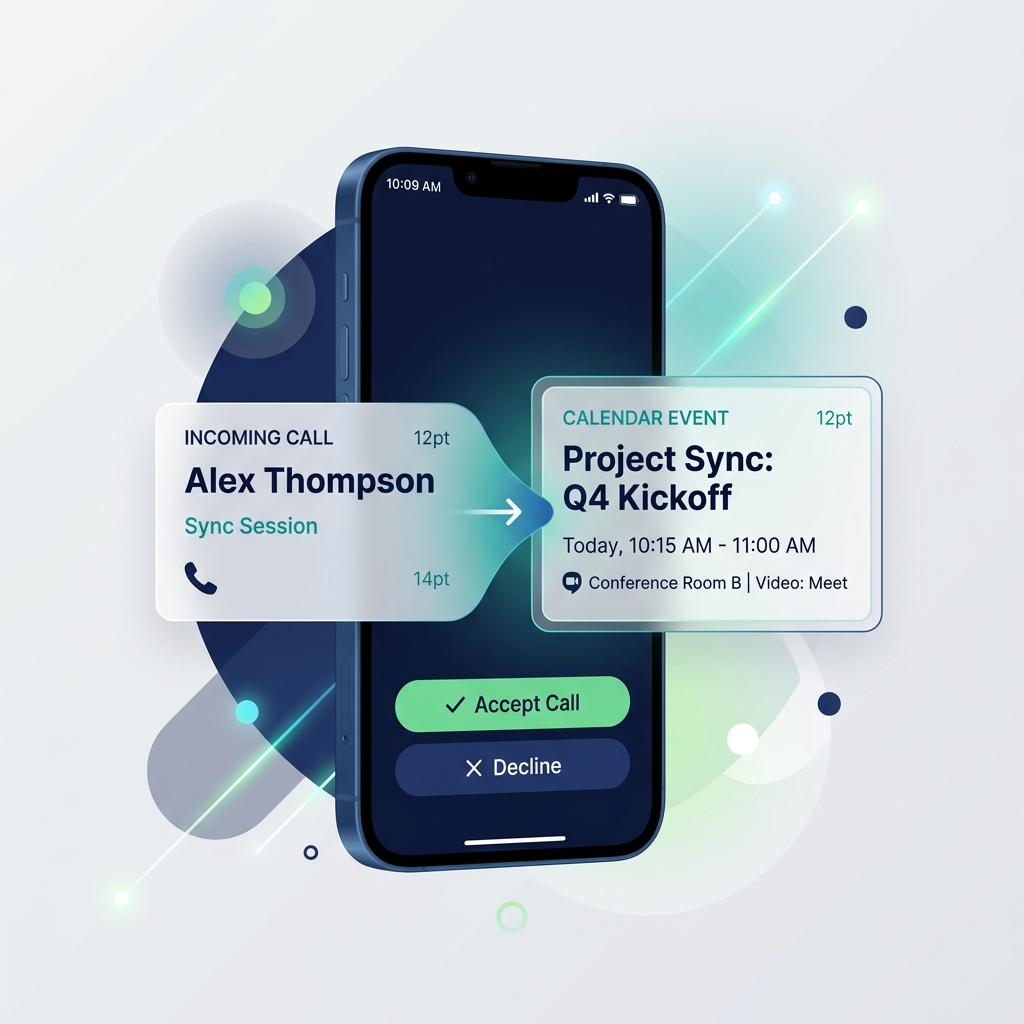
We do not sell proprietary software or charge subscription fees. This directory lists independent tools, built-in system utilities, and webhook recipes ranked by ease of use.
Coming sooon, we are working on curating and testing the best call to calendar solutions for iOS.
In the meantime, check our in-depth guides and configuration articles below.
Read Our ArticlesAnswers to common questions regarding iOS Shortcuts, Android logging, and local-first call scheduling.
The best local-first method on iOS is using Apple Shortcuts triggered via Double/Triple Back Tap or a Home Screen widget. Since Apple blocks direct sandbox call-log access, you copy the number in your Recents tab and launch the Shortcut, which parses it and creates a calendar event in 2 taps.
Yes. Android's operating system allows you to grant read access to call logs. Local utilities like MemoCall run locally in the background, automatically detect when a call ends, and prompt you with a dialog to add calendar details immediately.
Local apps and Shortcuts keep your call logs and client details on-device. There is no cloud transit, third-party database storage, or risk of exposing customer phone numbers, making them GDPR and HIPAA compliant out of the box.
Yes. The Shortcuts app and local Android utilities integrate directly with the native iOS/Android system calendar apps. Any account you have signed into on your device (Google Workspace, Office 365, iCloud) will sync automatically.