GUIDES: VoIP Call Scheduling 2026
Discover the top 7 VoIP platforms in 2026 that automatically log calls, detect scheduling intent, and auto-create calendar events with pre-filled contact info.
Connect your cloud phone system directly to Outlook or Google Calendar. Explore the best native integrations and call tracking connectors for Aircall, RingCentral, Zoom Phone, and Dialpad.
Explore VoIP Integrations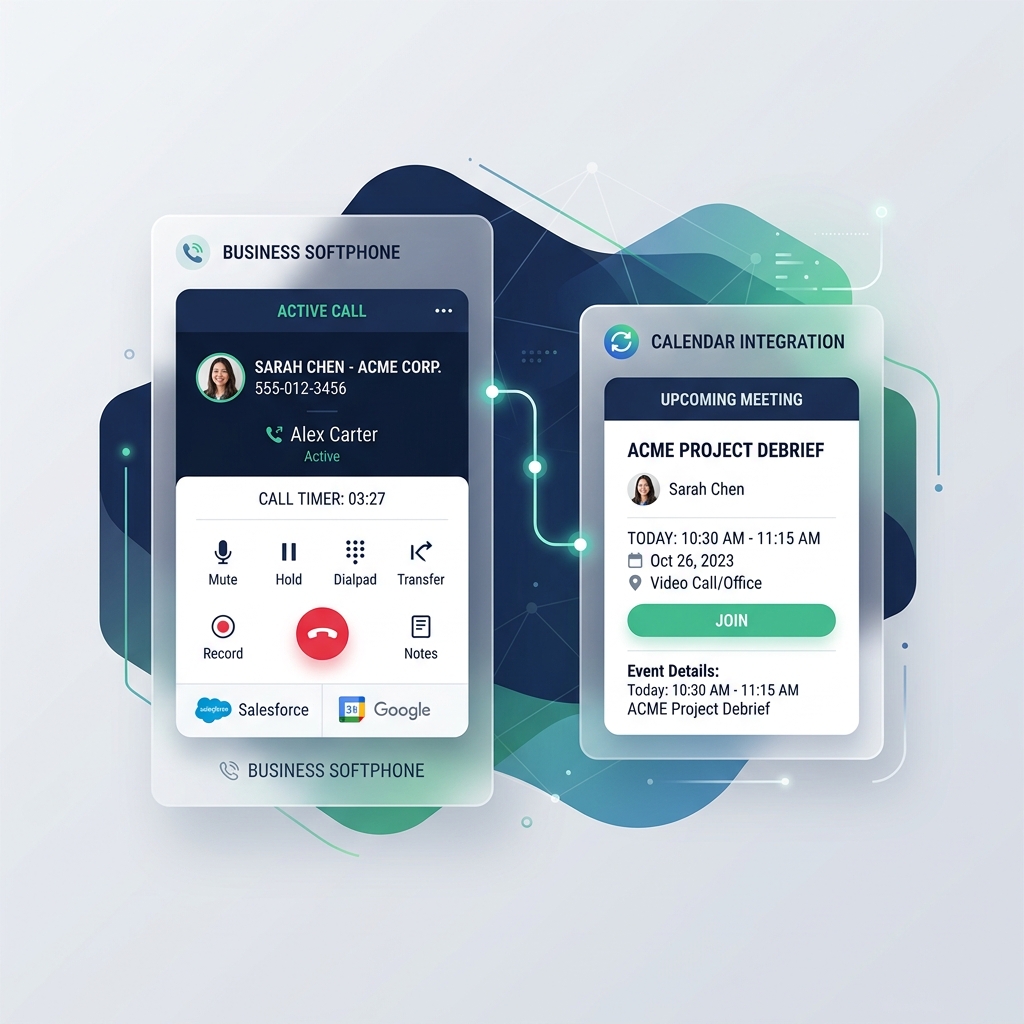
We do not sell telephony licenses or charge integration fees. This directory lists official softphone calendar sync extensions and native CRM connectors ranked objectively.
Native integration with Google Calendar and Outlook via Zoom Workplace. Calendar availability is shared directly within the Zoom interface.
No native calendar integration. Active via Vonage App Center with connectors for Google Workspace and Microsoft 365.
Calendar integration is not native. Google Calendar plugin is available via the Ringover integrations store.
Calendar integration is not native. Configured via RingCentral App Gallery (marketplace) with official plugins for Google Calendar and Microsoft Outlook.
NextivaONE app integrates calendars (Google Calendar and Outlook) natively. View conversations, log call notes, and record calls in a unified dashboard.
Native integration with Outlook Calendar (Microsoft 365). Each call/meeting can be scheduled and displayed directly in the Outlook calendar without third-party plugins.
No native calendar integration. Supported via JustCall integrations library (Google Calendar, Outlook) depending on the subscription tier.
Native integration with Google Calendar. Meet links are automatically generated in Google Calendar events. Google Voice (VoIP) is included in select Workspace plans.
Calendar integration is not native by default. Supported via integrations in the Dialpad Marketplace (Google Calendar, Microsoft Outlook).
No native calendar integration. Connectors are available via third-party automation tools like Zapier or Make.com.
Native integration with Google Calendar and Microsoft Outlook via official Webex plugins. Meetings can be scheduled directly from the calendar app.
No native calendar integration. Synchronization with Outlook Calendar and Google Calendar is managed via Aircall App Marketplace or connectors like Zapier and Make.
Calendar integration is not native. Configured via Microsoft 365 (Outlook) or Google Workspace integrations in the 8x8 partner portal.
Coming sooon, we are working on curating and testing the best call to calendar solutions for VoIP.
In the meantime, check our in-depth guides and configuration articles below.
Read Our ArticlesAnswers to common questions regarding VoIP softphones, official sync marketplaces, and recording links.
Platforms like Zoom Phone, Dialpad, and Microsoft Teams Phone offer native workspace integrations. Standard cloud softphones like Aircall and RingCentral require installing marketplace apps or setting up API connector tokens.
They run in the provider's cloud. Once authorized, they listen to call events and write pre-formatted summaries (duration, caller name, recording link) directly into your linked Google Calendar or Microsoft 365 account.
Yes. Most VoIP connectors and webhook configurations can map the 'recording_url' variable to the calendar event's description, allowing you to replay client conversations directly from your schedule.
They can search your linked CRM (e.g. Salesforce or HubSpot) for a matching record. If found, the event is logged under that contact; if not, they can either create a new lead or default to logging it as an 'Unrecognized Caller'.