Multi-Step CRM Webhooks on Make.com
A developer guide to parsing call webhooks, matching Salesforce or HubSpot contacts, and generating Outlook appointments automatically.
Connect your CRM, database, and custom software systems via APIs and cloud automation webhooks. Explore developer-friendly triggers and no-code connectors for n8n, Zapier, Make, and Twilio.
Explore Automation Setups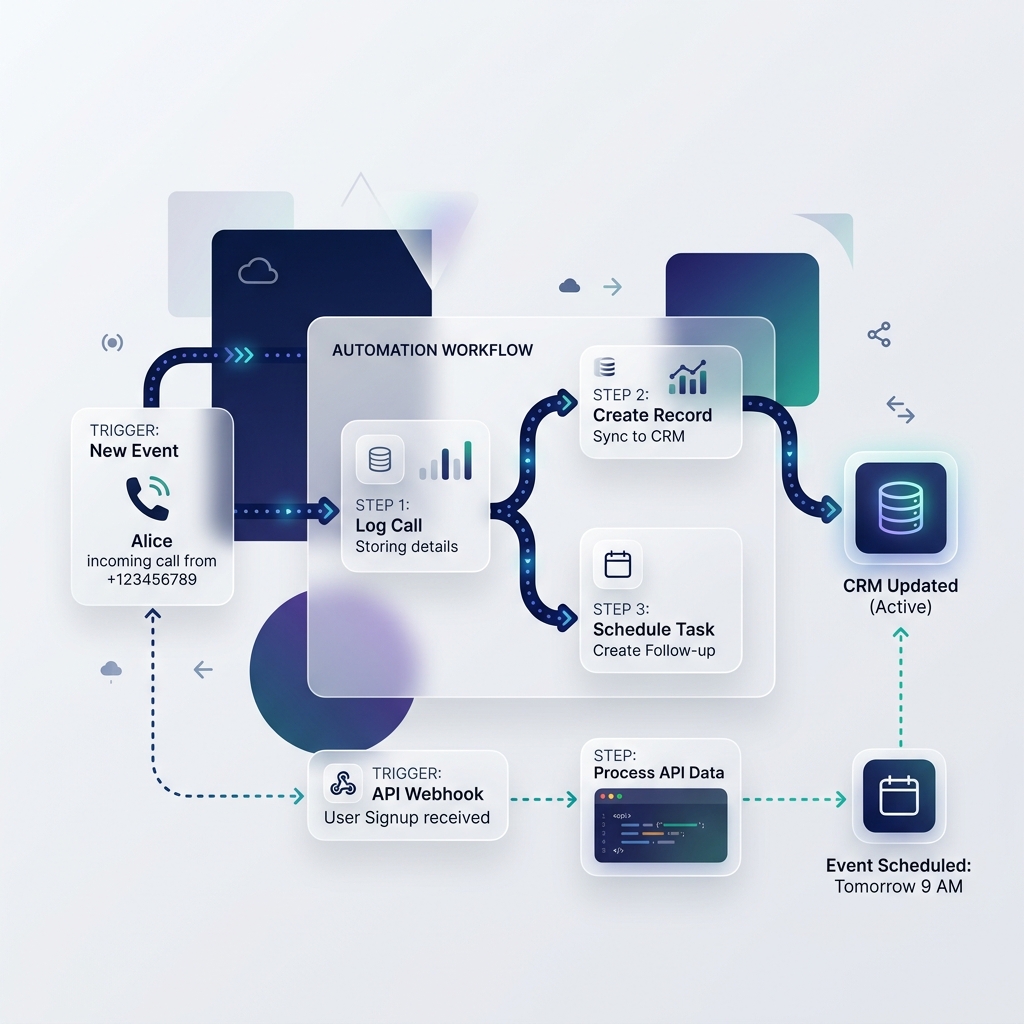
We do not sell integration licenses or charge setup fees. This directory lists popular cloud integration platforms, developer SDKs, and visual scenario builders ranked objectively.
Coming sooon, we are working on curating and testing the best call to calendar solutions for Automation.
In the meantime, check our in-depth guides and configuration articles below.
Read Our ArticlesAnswers to common questions regarding cloud webhooks, CRM pipelines, HMAC security, and workflow tools.
Cloud automation (Make.com, Zapier, n8n) is best for teams or sales pipelines where calls must trigger multi-step actions, such as lookup in HubSpot/Salesforce, checking team availability, creating meeting blocks, and posting Slack notifications.
Telephony providers send a POST request (webhook) with a JSON payload containing caller metadata when a call changes state (e.g. 'call.completed'). Your automation listener receives this payload, parses the phone number, and routes it to your calendar integration.
Implement SHA256 HMAC signature verification. Your telephony provider signs the webhook payload using a shared secret. Your automation middleware must calculate the HMAC of the payload and verify it against the signature header before executing any workflow steps.
High-volume teams can face rising costs on Zapier/Make due to task limits. Self-hosting n8n or using custom AWS Lambda/Cloudflare Workers are the best cost-saving alternatives for handling thousands of monthly calls.